A free program for Android, by whitehead solution.
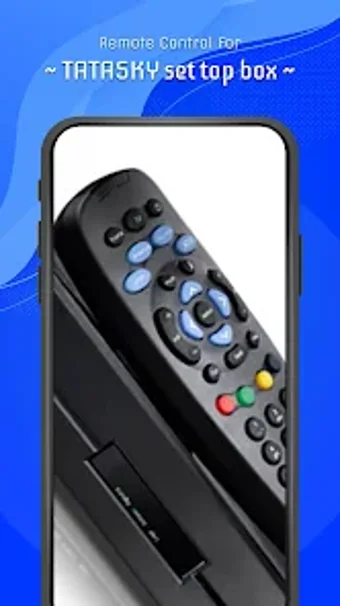
The Remote Control for Tata Sky Set Top Box is a powerful remote for your TV that can be controlled from your smartphone. This app is available on Google Play and can be downloaded and installed on your phone or tablet. Once you have it installed, you can begin using it to control your television.
How does the app work?
To start using the app, you need to install it and start it. Once it is installed, you will be able to begin using it to control your television. To begin, you need to connect the app to your phone or tablet. After that, you will be able to begin using it.
To change channels, you need to use the channel numbers button. You will be able to change channels and select a new channel by using the channel numbers button. To mute or unmute, you will need to use the device microphone or the device sound button.
The device will power on when you press the power button. To turn off the device, you will need to press the power button once again.